Tripo AI vs Meshy: which 3D model generator fits games, prototypes, and printing
Tripo AI and Meshy solve a similar need: moving from an idea or image to a 3D asset faster than manual modeling from scratch. The difference is not that one tool magically replaces a 3D specialist. The difference is how easily you get the first variant, what exports you get, and how well the result fits the next workflow.
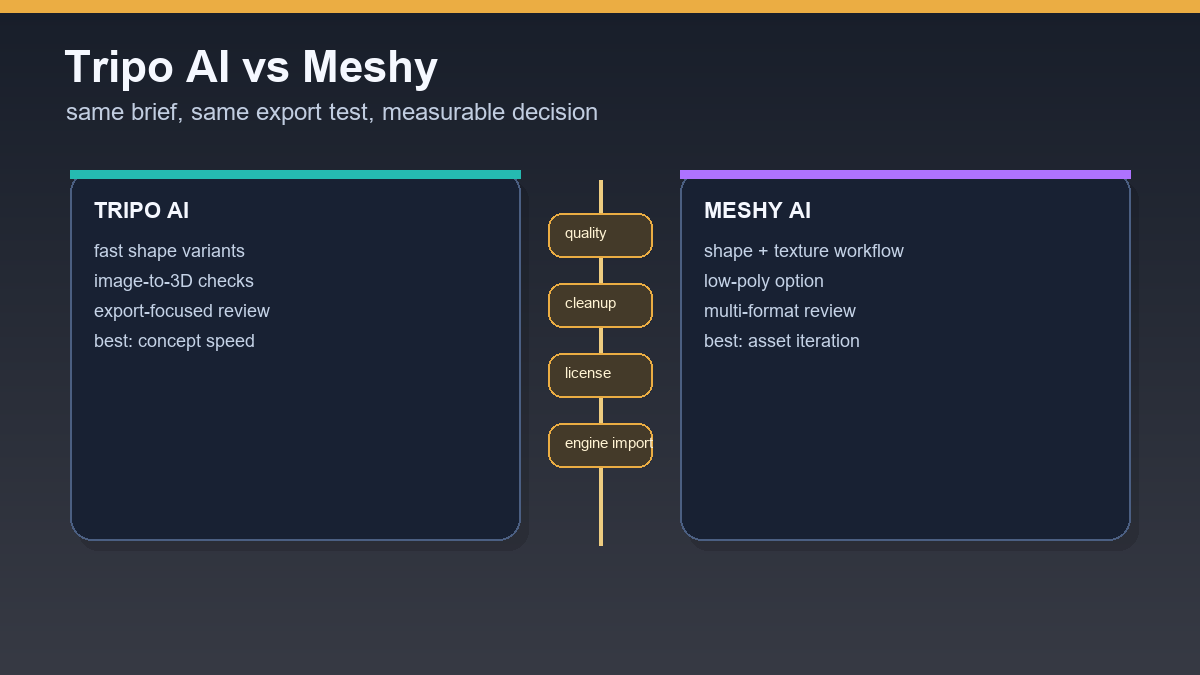
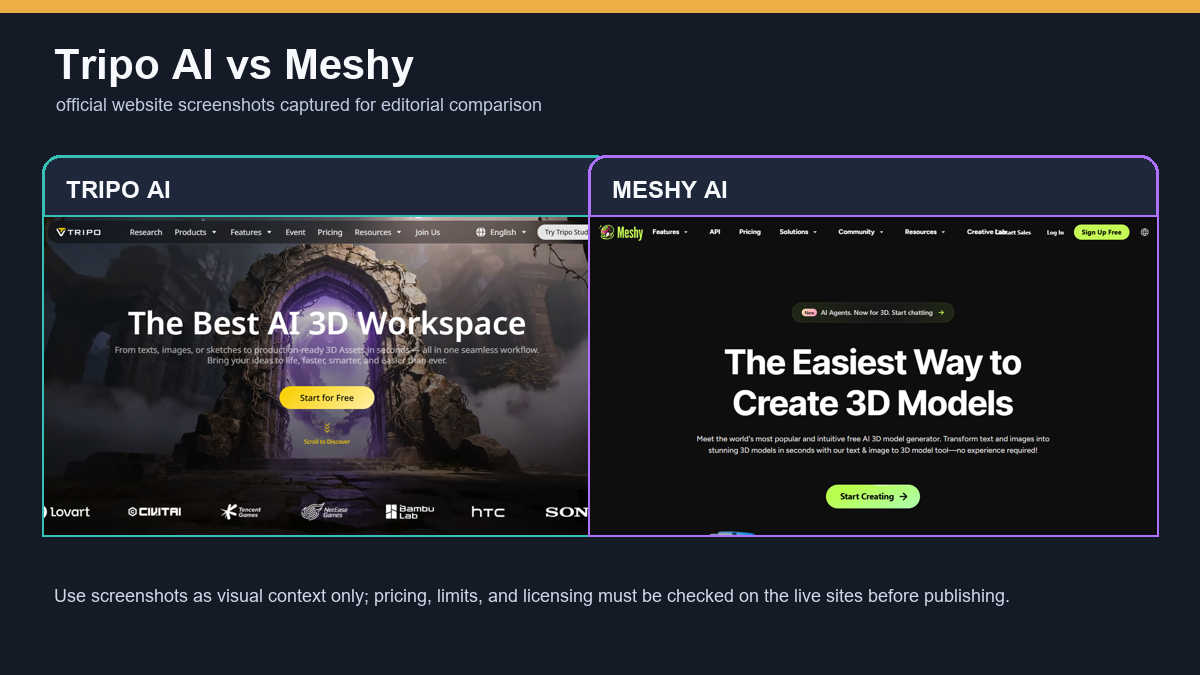
For a fair comparison, watch three scenarios: a fast game prototype, a visual model for presentation, and an object for 3D printing. Each scenario has different requirements for topology, textures, polycount, and licensing.
Quick verdict
Tripo looks strong when you want to create variants quickly from text or a clean image and export them. Meshy is attractive because of its broader workflow around textures, low-poly options, and browser-based inspection. In both cases, a final asset should still pass through Blender or another 3D editor.
If you are choosing a tool for a team, do not decide only from gallery examples. Pick five internal test briefs and measure the time from prompt to import into the target environment.
- For ideas and silhouettes, test both tools on the same prompts.
- For games, watch polycount, pivot, scale, and materials.
- For printing, watch STL/3MF export, watertight geometry, and detail thickness.
Text-to-3D and image-to-3D
In text-to-3D, prompt quality matters. Both tools tend to fill missing details using their own learned patterns, so a short prompt often creates an attractive but vague object. The best test is specific: the same object, style, detail limit, and export.
Image-to-3D is often more stable for objects with a clear shape. The reference image should have a clean background, good contrast, and few hidden parts. If the tool cannot see the back side, it will invent it.
Textures and materials
Meshy has a strong argument because it presents texturing as part of a broader 3D workflow. That is practical when you want to test one shape in several visual styles. Tripo makes sense as a fast generator of shapes and exportable variants.
In production, the target environment decides. A material that looks good in a web preview may not have the right PBR setup for Unreal or Unity. That is why an export test matters more than a gallery screenshot.
Price, credits, and licensing
Both tools offer free starts or free options, but real limits usually appear around exports, quality, credits, and usage rights. For personal testing that is fine. For a commercial asset library, you must read the current terms of the exact plan.
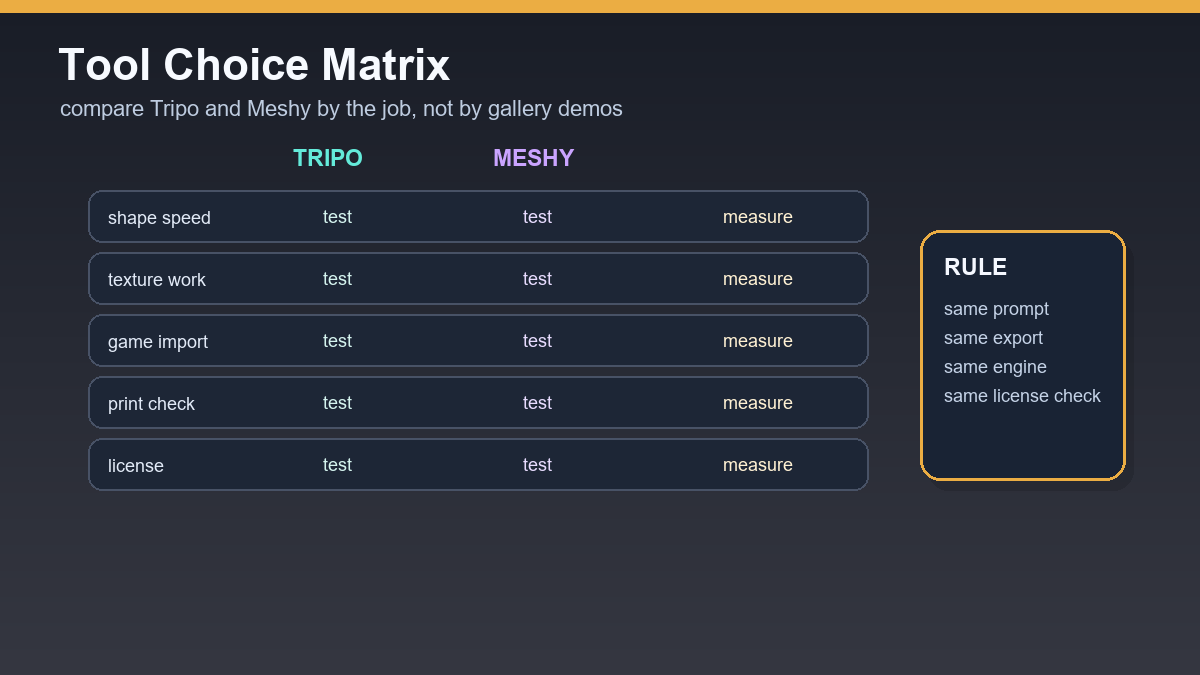
A useful buying test is simple: in one month, generate the same set of ten assets in both services, record usable outputs, cleanup time, and import problems. Only then does a higher plan make sense.
Which one to choose
For very fast shape exploration and image-to-3D variants, start with Tripo. For workflows that also need textures, low-poly options, and multiple export formats, test Meshy. For most teams, the best answer is not one winner. It is a rule for when to use each tool and when an asset is only a concept.
Decision table for Tripo AI vs Meshy
Tripo AI and Meshy overlap, but judging them with one generic score is not useful. Choose by workflow type, then test the same brief in both services. For every test, measure the time from prompt to Blender inspection, the number of usable variants, export quality, and manual cleanup effort.
| Situation | First choice | What to verify |
|---|---|---|
| Fast shape exploration from an image | Tripo AI | back side of the model, pivot, GLB/OBJ export |
| Texture variants and stylized assets | Meshy | UV map, texture sharpness, credit cost |
| Game asset for an engine | Test both | polycount, LOD, collision, imported materials |
| 3D printing | Test both | watertight mesh, scale, thin details |
If a team uses AI 3D often, build a small test set: crate, bottle, mechanical part, simple character, and decorative object. The same prompt set gives a much fairer comparison than random gallery examples.
Useful links: Tripo export formats, Meshy credit pricing, Blender glTF checks.
Links in this article
Doporučení ke čtení

ChatGPT Team vs. Copilot for businesses: what pays off for smaller teams in 2026

AI idea: internal legislative radar (Czech Republic + EU) with alerts to Teams and Slack
Recraft AI review 2026: brand visuals, vectors and mockups without slow rework

AI for salespeople: prepare for a meeting from CRM, website, and emails in 15 minutes