Recraft AI review 2026: brand visuals, vectors and mockups without slow rework
Recraft targets designers, creators, ecommerce teams and marketers who need to generate and edit images, vectors and mockups. The official site highlights AI Image Generator, Image Vectorizer, AI Vector Generator, Photo Editor, Mockup Generator, Upscaler, Background Remover and Eraser. This review focuses on when the output is actually useful in a brand workflow.
Quick verdict for a small team
Recraft is interesting because it focuses not only on attractive images, but on what happens after generation. Vectors, mockups and styles are more valuable for teams than one-off illustrations. Still, AI cannot own brand rules, rights or campaign context.
- Strong for visual variants, mockups, icons and brand assets.
- Risky around typography, logos and claims that must be exact.
- Best as fast design exploration before final production.
What the official source shows
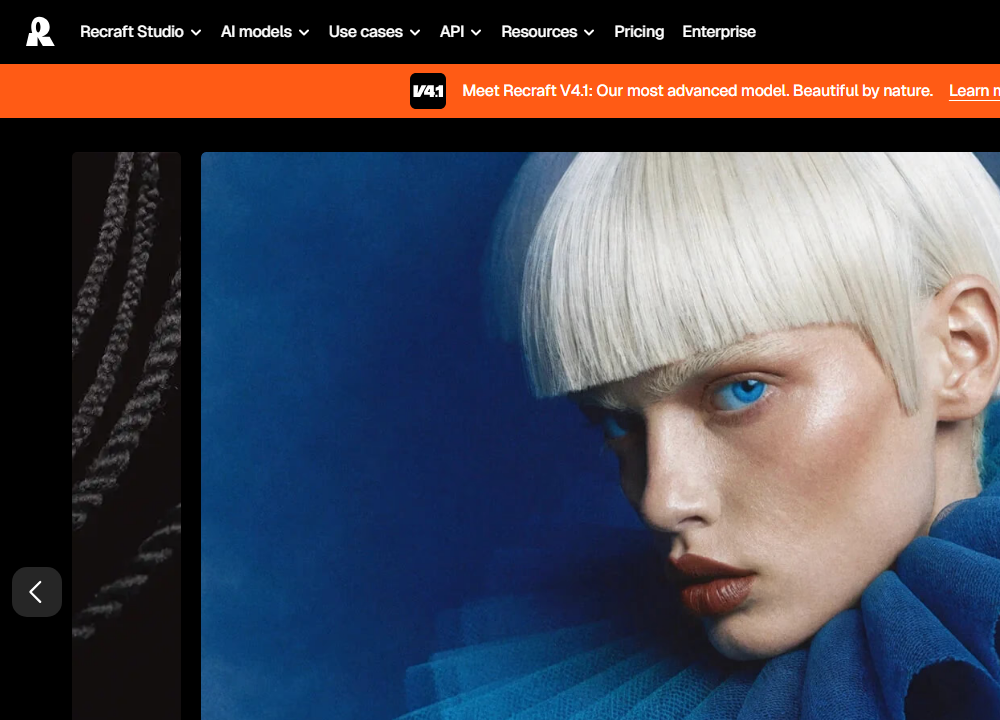
The official Recraft website describes a platform for generating and editing images, vectors and mockups. The Recraft V4 announcement highlights vector models and editable SVG outputs with structured layers. That matters because designers do not only need a JPG; they need material they can continue editing.
- Vector output helps with icons, illustrations and simple brand elements.
- Mockups quickly test visuals in a realistic context.
- Editing features save iteration time, but do not replace brand strategy.
Where it makes sense in practice
In a team I would use Recraft for moodboards, banner variants, first icon sets, product mockups or social visuals. The brief should include channel, size, audience, colors and elements that must not appear.
- Prepare brand colors, forbidden styles and reference terms before generation.
- For text inside images, check every character, especially outside English.
- For vectors, verify that the file is actually usable for further editing.
Recommended workflow
Recraft works best as a fast idea and variant loop. Final graphics still need the same review as human-created work.
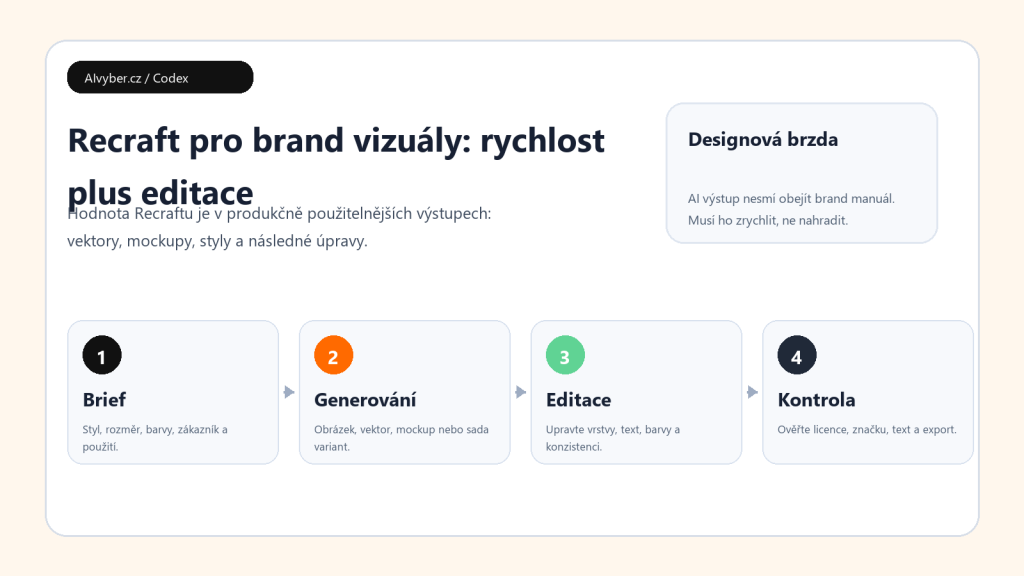
- Write a brief with purpose, channel, format, colors and tone.
- Generate multiple variants and choose by usability, not only effect.
- Edit the selected output: text, colors, composition and size.
- Check brand, rights, readability and technical export.
- Only then add the asset to a campaign or design system.
Limits and quality checks
The weakness of AI graphics is the false feeling of finished work. Text can look beautifully placed while being wrong. An icon can look consistent while breaking brand style. A mockup can look realistic while not matching the real product.
- For logos and trademarks, check originality and similarity to existing brands.
- For brand visuals, compare against the manual, not your feeling.
- For campaigns, save prompt, version and approved export.
Who should consider it
Recraft is useful for creative teams that need to find visual direction quickly and want more editable outputs than a standard text-to-image result. I would not use it as the only source of a final identity. It is strongest when it shortens the path from idea to variants while a designer keeps quality control.
Recommended AI stack for implementation
| Service | Service description | Offer |
|---|---|---|
| NordVPN | VPN service for privacy protection and secure connections. | Open offer |
| Semrush | SEO and marketing platform for analysis and traffic growth. | Open offer |
| Notion | Workspace for notes, documentation, and project management. | Open offer |
| Hostinger | Web hosting and domains for fast website launch. | Open offer |
| Canva | Online design tool for graphics, presentations, and social media. | Open offer |
| Adobe | Creative tools for graphics, video, and digital content. | Open offer |
| Fiverr | Marketplace for freelancers and external specialists. | Open offer |
Note: We use affiliate links for listed services. If you purchase through them, we may earn a commission at no extra cost to you.
Brand workflow for Recraft without visual chaos
Recraft is most useful when you need more than one attractive image: a series of visuals in the same style, vectors, mockups, or brand variants. Before generation, prepare a color palette, style examples, forbidden motifs, and a clear list of outputs. Without that, each result may look good individually while the set fails to hold the brand together.
- For logos and icons, start with vector output and check readability at small sizes.
- For ads, test the same prompt in several aspect ratios so the visual also works on mobile.
- For product mockups, save the prompt, style, and reference images; otherwise the series is hard to repeat.
For client work, separate concepts from final exports. AI can speed up direction, but final brand assets still need checks for rights, details, typography, and consistency.
Useful links: Recraft, Recraft API getting started, Recraft for graphic designers.
Links in this article
Doporučení ke čtení
Cursor AI review 2026: an editor for refactoring, code review and documentation
Perplexity Pro review 2026: where it saves time and where it hits limits
Price comparison of AI video generators 2026: credits, limits, real costs