Stable Fast 3D for free: how to turn one image into a 3D mesh and when it is enough
Stable Fast 3D is interesting because it starts from a single image rather than a text prompt. That is practical for users who already have a clean photo or render of an object and want to get a spatial base quickly.
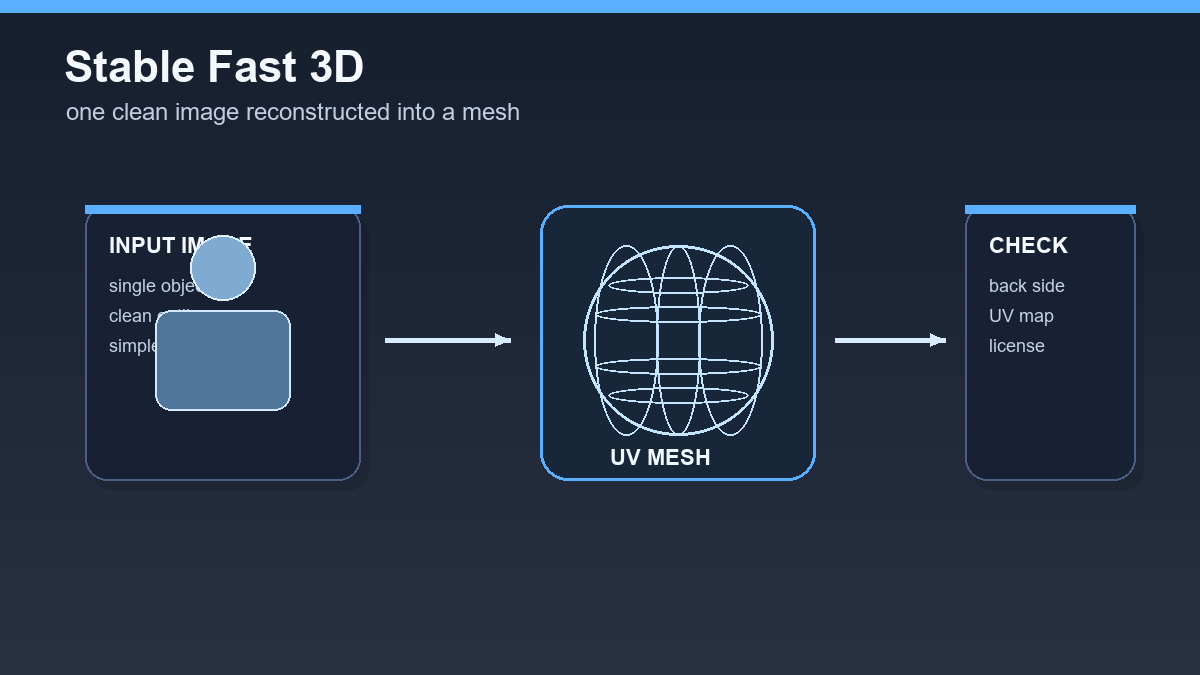
Do not expect a universal replacement for a modeler. One photo cannot contain all information about the back side, internal details, or exact construction. Treat the model as a reconstruction and a starting point for inspection.
When Stable Fast 3D makes sense
The best scenario is a standalone object on a clean background: a toy, decoration, simple product, figure, or stylized prop. The less the object is hidden and the clearer its outline is, the better the spatial shape can be estimated.
Stable Fast 3D can be good for creating a base that you then fix manually. It fits prototypes, visualizations, and experiments where you need to see quickly whether an object works from multiple angles.
- The input should be one clear object, not a busy scene.
- The background should be as simple as possible.
- Always open and inspect the output in a 3D editor.
First test workflow
Prepare an image with good lighting and no text. If possible, use a render or product photo with a clear outline. Upload it to an available Stable Fast 3D environment or run the model using the official repository instructions.
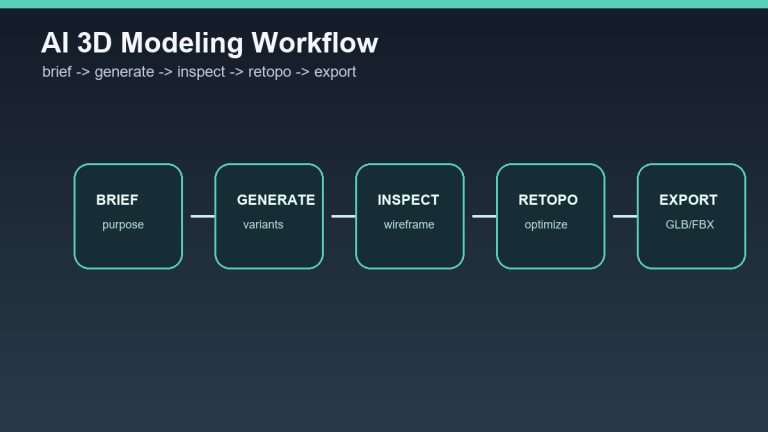
After generation, export the mesh and open it in Blender. Enable wireframe, inspect the back side, and look for areas where the model guessed missing information. Check textures, UVs, scale, and unnecessary internal surfaces.
License and commercial use
Stable Fast 3D is available through the official GitHub and Hugging Face pages, but the license has its own conditions. Stability AI describes a community license that allows non-commercial use and commercial use for organizations under a revenue threshold. Read the current license before using it in client work.
With open-source models, save not only the output file but also model version, download date, source image, and license. That reduces the risk of losing asset provenance later.
When it is not enough
One photo is not enough for exact mechanical parts, models with an important back side, complex transparent objects, or assets intended for animation. Those need more references, manual modeling, or a tool that works with multiple views.
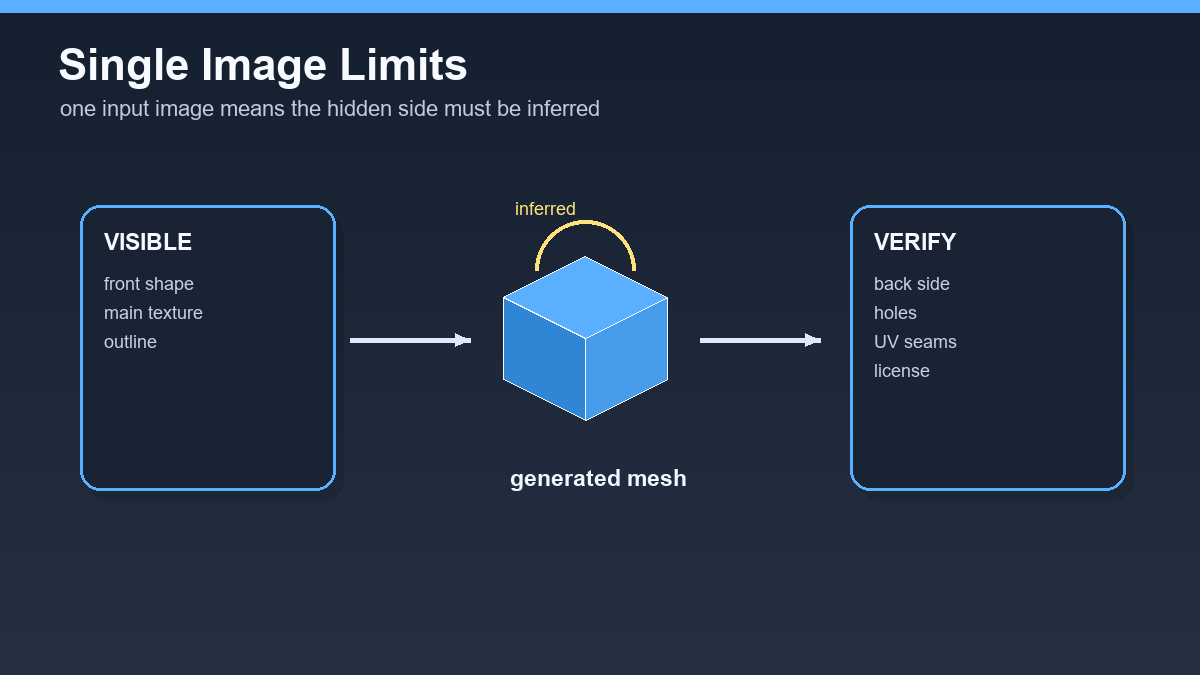
Stable Fast 3D is therefore excellent for fast reconstruction but weaker for controlled production. If you need precision, treat it as the first step, not the last.
Recommendation
Use Stable Fast 3D for objects with a clear silhouette and clean source image. After export, do a short technical review: wireframe, normals, textures, scale, polygon count, and license. Only then move the model into a project.
How to prepare an input image for Stable Fast 3D
Stable Fast 3D relies on a single input image, so image quality matters more than a long prompt. A strong test image has a clean background, the object fills most of the frame, parts are not hidden, and lighting does not obscure the edges. For product objects, a slight angle is useful because it shows depth while keeping the silhouette readable.
- Avoid transparent objects, very thin cables, and strong reflective highlights.
- After generation, inspect the back side of the model because the system can only infer it from one view.
- For commercial use, check the Stability AI Community License and the enterprise-license threshold.
A practical test is simple: run the same object from a clean product photo, a busy screenshot, and a manually cleaned version. The difference often shows that the cheapest improvement is not another model, but a better input image.
Useful links: Stable Fast 3D GitHub, model on Hugging Face, Stability AI announcement.
Links in this article
Doporučení ke čtení