Hunyuan3D and TRELLIS for free: open-source 3D generation for advanced users
Hunyuan3D and TRELLIS are interesting mainly for people who need more than a web generator with an Export button. They offer an open-source or research-oriented path to 3D generation, but with higher technical complexity.
They make sense when you want to test a custom pipeline, batch generation, model version control, or deeper integration into a tool. For a complete beginner, it may be easier to start with Tripo or Meshy and return to open-source models after hitting limits.
What Hunyuan3D offers
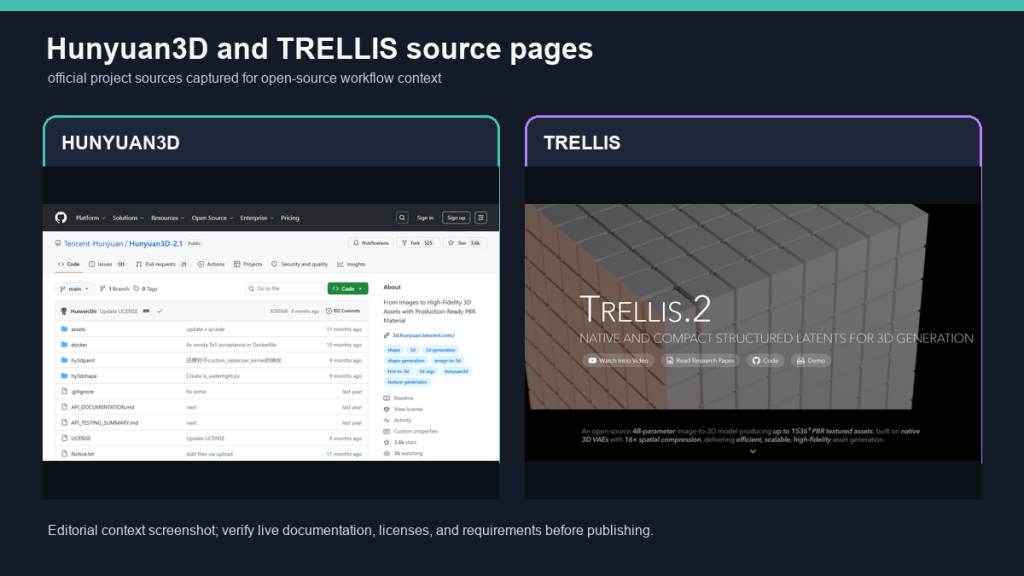
Hunyuan3D 2.x is built around shape and texture generation. Newer versions emphasize PBR textures, an open framework, and available weights and code. That matters for researchers and technical teams because they can experiment with the pipeline instead of only using a web interface.
The practical advantage is control. You can track inputs, settings, model version, and outputs. The practical disadvantage is installation, dependencies, hardware, and the need to understand failures.
What TRELLIS offers
Microsoft TRELLIS works with 3D asset generation from text or image conditions and targets multiple output representations. That is interesting for advanced users who do not want only one mesh but are exploring different ways to represent 3D content.
TRELLIS.2 shows a move toward high-resolution and PBR textured assets. For a practical creator, the key question remains: can I get a file that I can open, inspect, and use in my workflow?
When open source pays off
The open-source path pays off when you generate a lot, need repeatability, do not want to send inputs to a third-party service, or want to build your own tool. It also fits agencies and developers integrating generation into an internal process.
It does not pay off if you only want to create a simple object once a month. In that case, a web service is faster and cheaper, and the saved time should be spent reviewing the result.
- Open-source models need technical onboarding.
- Store outputs with model version and settings.
- Expect the first day to be more setup than production.
Production workflow
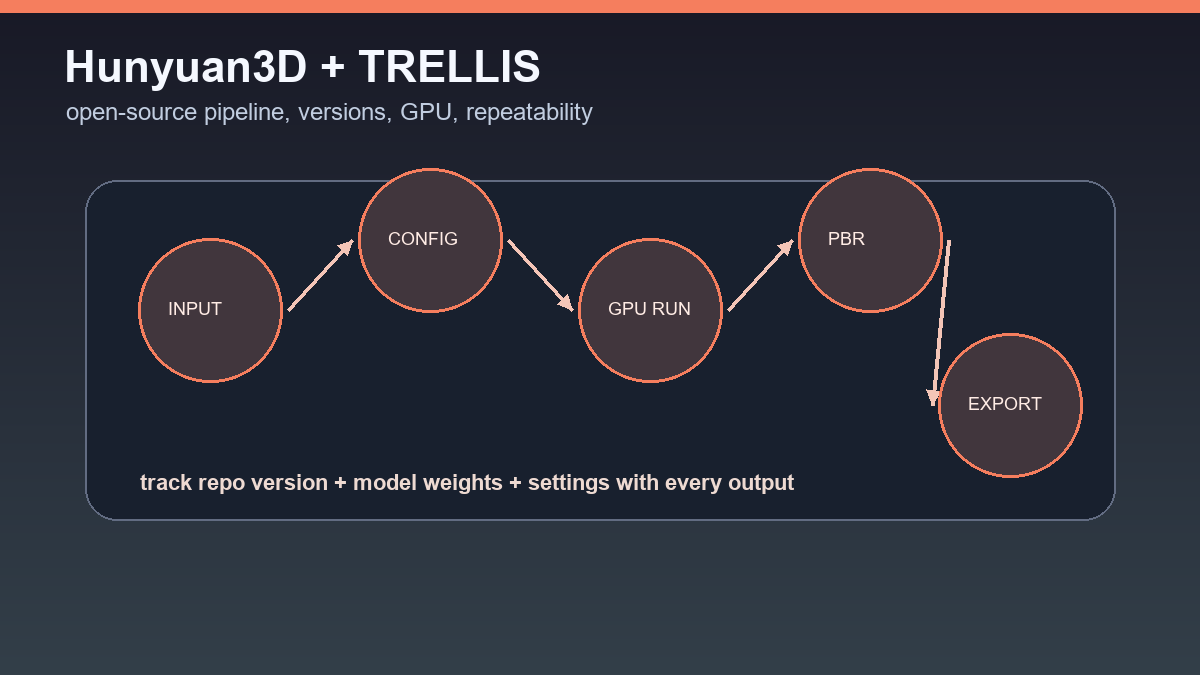
A good process has four parts: input images or prompts, a configuration file, output assets, and a review log. For every model, record which tool created it, what settings were used, and whether it passed inspection in Blender or the target engine.
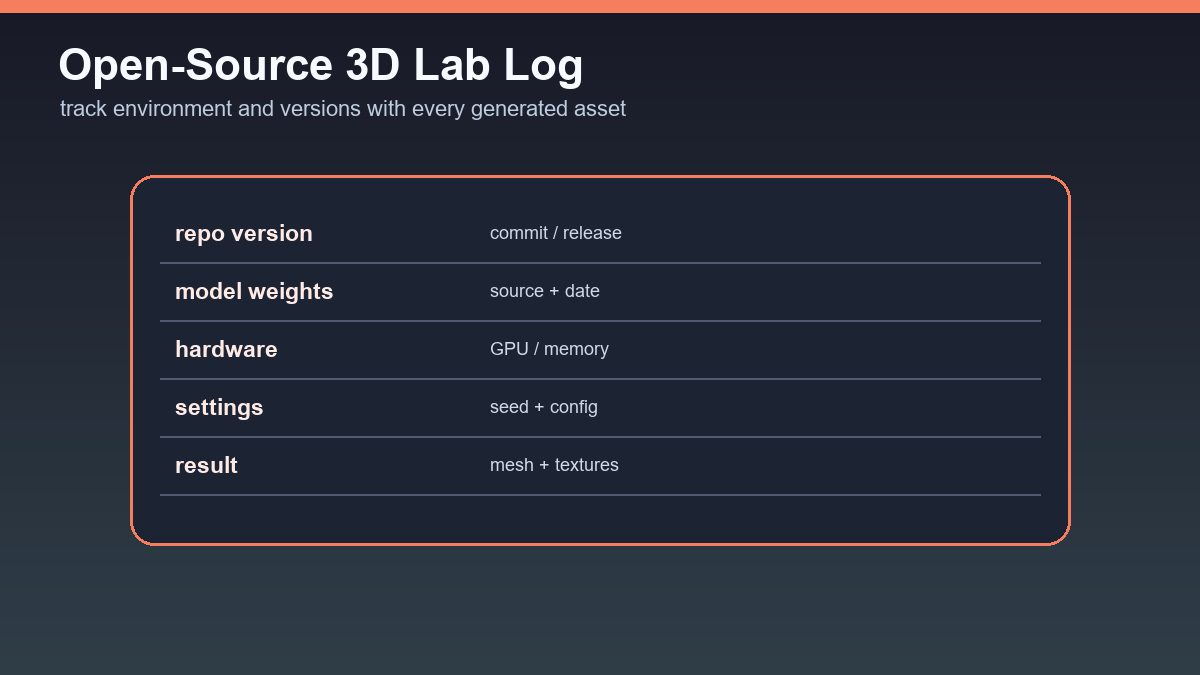
Without tracking, an open-source experiment quickly becomes a pile of files with unclear value. With tracking, you get your own test library and a clear decision about which model is worth following.
Recommendation
Hunyuan3D and TRELLIS are not the easiest path to a first free 3D model, but they are important for users who want control. Start with a small test, track hardware costs, and always measure the time from input to usable export.
When open-source 3D models are worth the setup
Hunyuan3D and TRELLIS are not only “free alternatives” to cloud tools. They make sense when you need repeatability, local testing, and clearer control over the model version. The cost is technical overhead: installation, dependencies, GPU performance, model size, and maintaining your own workflow.
- Hunyuan3D 2.1 is interesting for PBR textures and a more open asset pipeline if the team can work with the repository and model setup.
- TRELLIS.2 targets higher-quality image-to-3D outputs and PBR assets, but it needs careful environment and output checks.
- For both paths, record repository version, model version, prompt, seed, and export parameters.
An open-source workflow pays off when you generate many assets of the same type or need an auditable process. For a one-off blog image, a fast online tool may win; for team production, local repeatability has real value.
Useful links: Hunyuan3D 2.1 GitHub, TRELLIS.2 project page, TRELLIS.2 GitHub.
Links in this article
Doporučení ke čtení