Prompts for AI 3D models: low-poly, product, and game assets without chaos
For AI 3D models, the prompt does not only decide appearance. It also affects whether the output can be repaired. A short prompt like "fantasy sword" may look good in preview but often creates a complex object with unclear silhouette, excessive ornaments, and materials that export poorly.
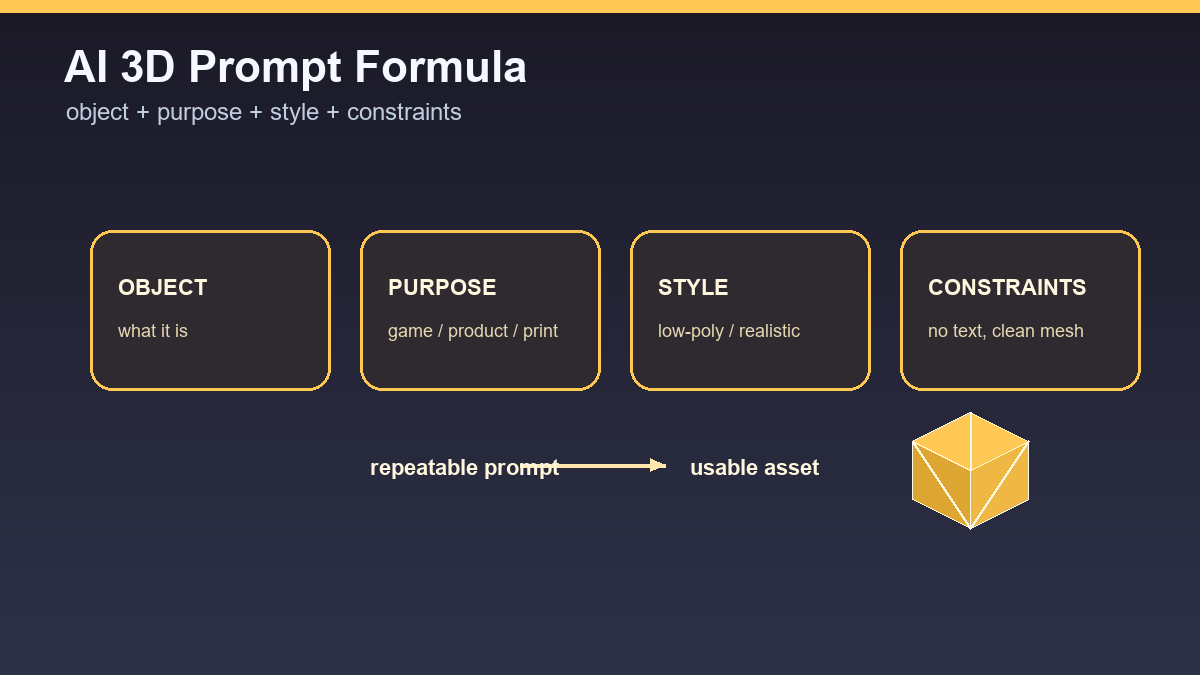
A good prompt is a small technical brief. It describes object, purpose, style, scale, material, detail level, and constraints. The more specific the purpose is, the easier it is to judge whether the model succeeded.
Basic prompt structure
Use this order: object, purpose, style, material, detail, constraints. Example: "low-poly wooden treasure chest, mobile game prop, stylized fantasy, simple brass lock, clean silhouette, under 3k triangles, no text, no background". This says not only what to create but also how to judge the output.
For product models, add shape, surface, view, and cleanliness. For game assets, add polycount, style, and readability from distance. For printing, add solid volume and avoid thin parts.
Low-poly prompts
Low-poly does not only mean fewer polygons. It means readable shape, simple materials, and intentional stylization. The prompt should include terms such as clean silhouette, simple geometry, game prop, low-poly, readable shape, and limited details.
Example: "low-poly medieval market cart, game-ready prop, simple wooden planks, clean wheels, readable from top-down view, no tiny ropes, no text, neutral lighting". That reduces the risk of decorative chaos.
Product models
A product prompt should be more precise about material and shape. Example: "matte black wireless speaker, rounded rectangular body, fabric front grille, product visualization, centered object, no logo, no background". If you do not want a fictional brand, explicitly prohibit text and logos.
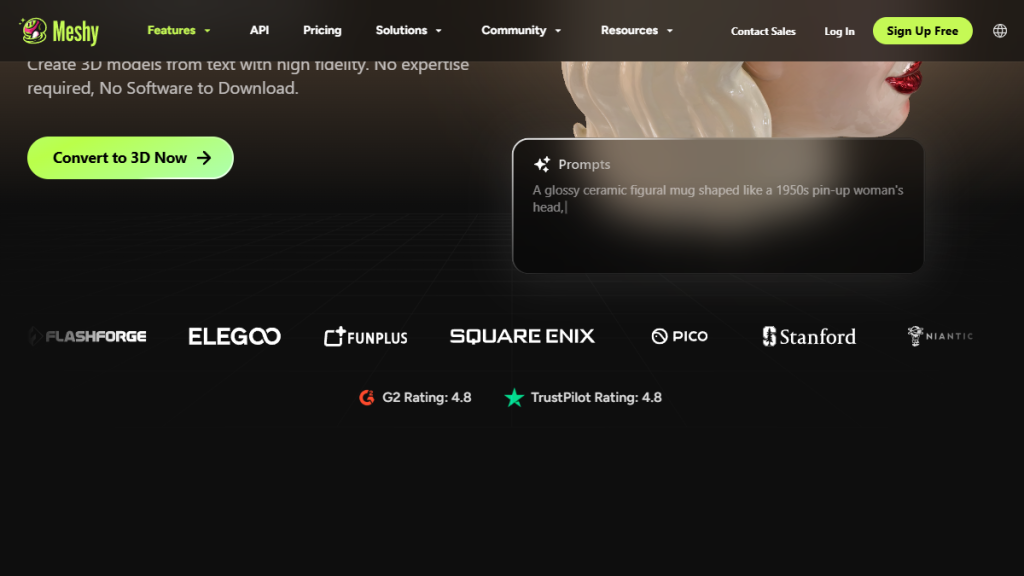
Watch proportions. AI may add buttons, ports, or seams that do not exist. Add constraints such as "minimal seams" or "no extra buttons" depending on the goal.
Characters and animation
For animation, write the prompt with rigging in mind. Ask for A-pose or T-pose, separated limbs, simple clothing, and minimal accessories. Example: "stylized humanoid mechanic, A-pose, separated arms and legs, simple boots, no long coat, no backpack, clean topology".
Not every generator follows technical words exactly, but the prompt improves the chance that the result is more useful for rigging. If the model comes out with fused limbs, generate again.
Negative constraints
With AI 3D, it helps to write what you do not want: no background, no text, no logo, no extra limbs, no floating parts, no transparent material, no tiny wires. Negative constraints are not a guarantee, but they reduce common mistakes.
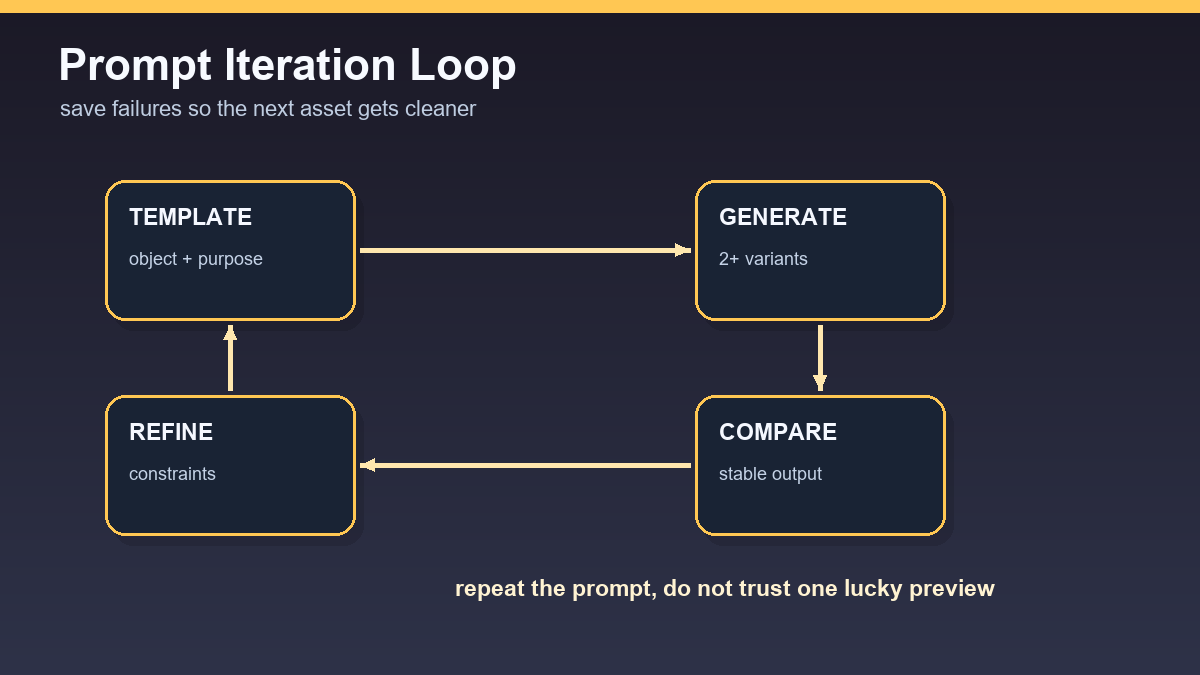
After every test, adjust the prompt based on the failure. If AI adds text, block text and logos. If it adds too much detail, add limited details and simple geometry. Prompting is iteration, not magic.
Repeatable prompt templates
For AI 3D prompts, repeatability matters most. A good prompt describes not only the object, but also style, scale, material, detail level, and constraints. When one of these pieces is missing, the generator fills it in, and the results become harder to compare.
- Low-poly: “simple low-poly game prop, clean silhouette, single material groups, no tiny details, centered pivot”.
- Product: “studio product object, accurate proportions, clean bevels, separate material zones, neutral lighting”.
- Game asset: “stylized game asset, readable from top-down camera, optimized shape, no floating parts, export-ready mesh”.
The negative part of the prompt is just as important: no text, no logos, no transparent parts, no chaotic cables, no excessive reflections. After each test, record which word changed the result most. Over time, this becomes a prompt library that is more useful than a random gallery of attractive outputs.
Useful links: Tripo export guidance, Meshy Text to 3D API, Blender glTF checks.
Links in this article
Doporučení ke čtení
How to implement an internal AI policy for a team of up to 20 people: template + checkpoints
Secure AI workflow for teams of up to 20 people: minimum standards in practice
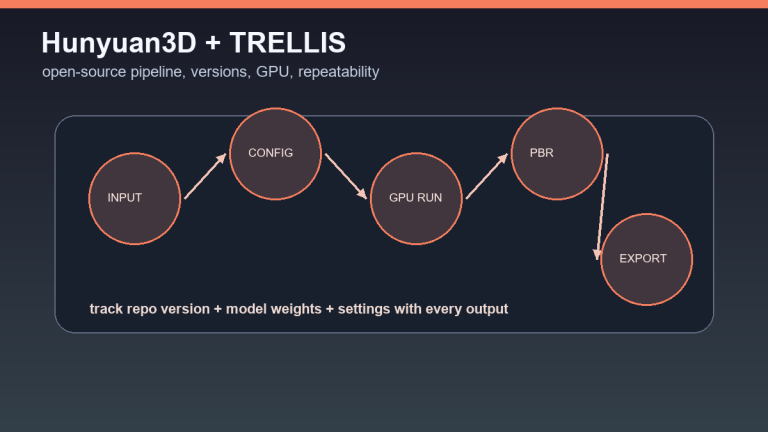
Hunyuan3D and TRELLIS for free: open-source 3D generation for advanced users
AI onboarding for new employees: a practical system for the first 30 days