NotebookLM guide 2026: turning your own sources into a usable AI research workflow
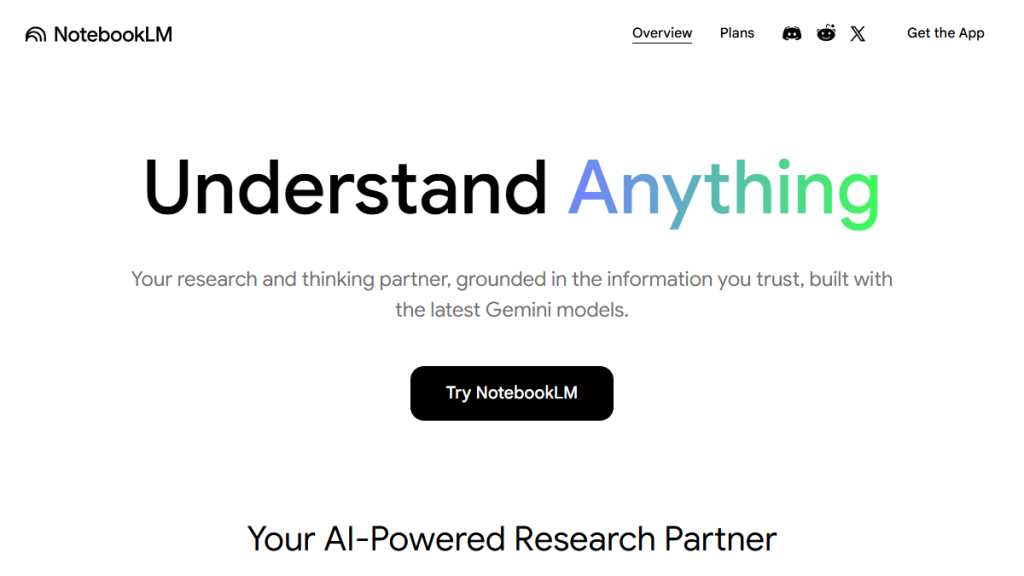
NotebookLM is most useful when it is treated not as a general chatbot, but as a workspace built around a specific set of sources. Google describes it as an AI research tool and thinking partner grounded in information the user trusts. That distinction matters: output quality depends not only on the model, but also on what you add to the notebook, how you name the sources, and whether you open the cited passages after an answer is generated.
For editorial, school, or internal business work, NotebookLM works best as a layer between a messy folder of documents and a finished deliverable. It can help with fast orientation, question preparation, documentation summaries, meeting-note analysis, or checking whether the same argument appears across several materials. It is not a replacement for judgment. In its official help pages, Google repeatedly notes that generated outputs can contain inaccuracies, so final claims need to be checked against the original sources.
Who NotebookLM is useful for
It is most valuable for people who already have sources and need structure. A typical user might be a product manager with specifications, a marketer with research outputs, a teacher with course materials, a student with academic texts, or an editor working with documentation and official announcements. In that setting, the advantage is clear: questions are not asked into empty space; NotebookLM answers in the context of uploaded materials.
It is weaker when the user has no verifiable inputs and only wants to produce a generic text quickly. In that case, the main point of the tool is lost. NotebookLM is also not ideal for sensitive internal materials without first checking company rules, permissions, and account settings. For team work, it is worth deciding in advance which documents belong in the notebook, who has access, and what must not be exported outside the original system.
How to prepare sources before the first question
The first step is not prompting, but cleaning up sources. One notebook should contain materials that answer the same question or belong to the same project. If a legal document, marketing strategy, random blog post, and old undated notes are mixed together, the answers may sound fluent but become less reliable. A practical start is a smaller package: official documentation, an internal brief, meeting notes, and a few relevant links.
Every source should have a clear name and known origin. For web information, it is useful to save the review date because pages change. With longer PDFs or documents, start by asking questions such as: “Which parts of the sources mention limitations?” or “Which points are directly supported by the documentation?” This quickly checks whether NotebookLM is using the expected passages or whether the sources should be split into multiple notebooks.
Working with answers and citations
The safest workflow is gradual. First ask for a map of the topic, then for uncertain points, then for an outline, and only after that for a working version of text or a checklist. For every important claim, open the cited passage and check whether the answer added a meaning that is not present in the original source. If an output has no clear connection to a source, it should not be used as a fact.
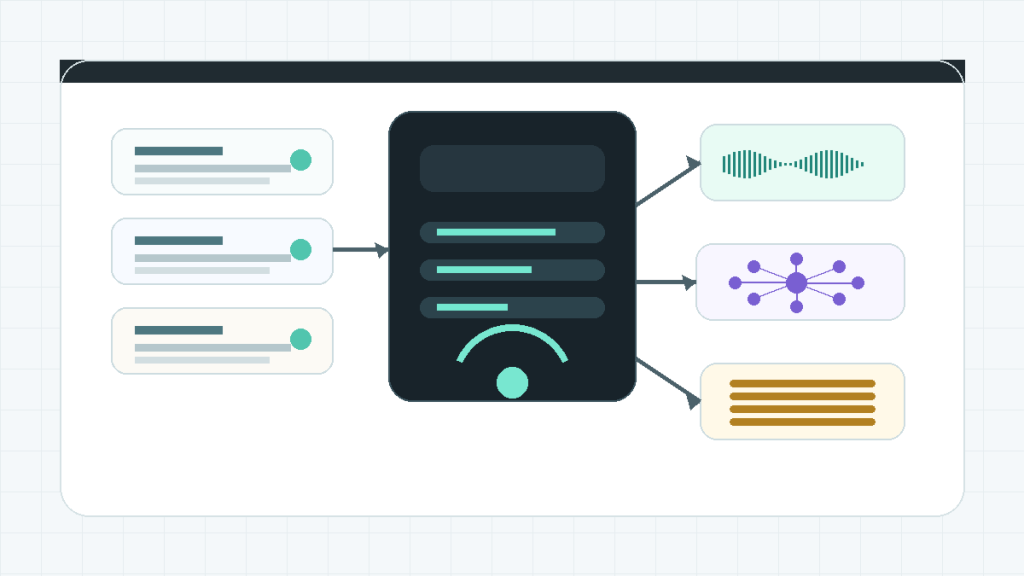
Questions that force the tool to separate confidence levels work well. For example: “Separate directly supported information from interpretation,” “List where the sources disagree,” or “State what does not follow from the materials.” These prompts reduce the risk that a smooth summary will be mistaken for a verified conclusion.
Audio Overview, Mind Maps, and Studio outputs
NotebookLM is not only a chat interface over documents. Google describes Audio Overviews as discussions between AI hosts that summarize key topics from uploaded sources. The user can choose format, language, length, and instructions about what the hosts should focus on. This is excellent for orientation in large material, but not for citation. Audio output should be treated as a listening briefing followed by a check of the actual passages.
According to Google Help, Mind Maps visually summarize uploaded sources and show main topics and relationships between them. They are useful for first orientation, structure planning, and finding related parts of a topic. Google has also announced Video Overviews and a redesigned Studio panel where users can create multiple outputs of the same type. In practice, one notebook can serve not only for answers, but also for different working artifacts: a topic map, audio briefing, report, or visual overview.
Where to watch for mistakes
The most common mistake is treating a summary as proof. NotebookLM can work well with sources, but it is still a generative system. Google warns that Audio Overviews may contain inaccuracies or audio glitches, and its Mind Maps help page reminds users to double-check responses. The same principle applies to chat answers, study guides, reports, and working outlines.
A second mistake is making a notebook too broad. If materials from several projects are added to one workspace, the answer may connect things that are not connected in reality. A third mistake is poor version tracking. With regulation, product pricing, AI features, or internal rules, you need to know when a source was captured and whether a newer version exists. Sensitive documents also require access-right checks and company AI-use rules.
Recommended workflow for a first project
Start with one specific goal: for example, preparing an internal brief from five sources, comparing an official announcement with documentation, or turning workshop notes into an action plan. Add only sources for that goal and write a short notebook description. Then generate a topic map, a list of uncertainties, and a proposed outline. In the next phase, ask about individual sections and check citations for every key point.
Only after that review does it make sense to create an output for further use: a briefing, FAQ, article notes, checklist, or presentation. Use Audio Overview as an additional way to absorb the material, not as the final source of truth. Use Mind Map for planning structure and finding relationships. If the answers include claims without clear support, return to the sources, split the notebook, or ask a narrower question.
Verdict
NotebookLM is a strong tool for working with sources if the task is clearly defined and the outputs are checked with discipline. It works best as a research workspace where chat, citations, notes, and Studio outputs are combined. It is not a magic machine for finished text. Its value is that it helps users understand material faster, find relationships, and prepare working outputs that can be verified.
For an AIvyber workflow, it is most suitable when good inputs already exist: official documentation, internal briefs, studies, meeting notes, and structured data. If the user keeps the review step and does not cite audio or maps without returning to the source, NotebookLM can speed up research preparation significantly. If good sources are missing, the result will only be uncertainty wrapped in a polished format.
Recommended AI stack for implementation
| Service | Service description | Offer |
|---|---|---|
| Notion | Workspace for notes, documentation, and project management. | Open offer |
| Canva | Online design tool for graphics, presentations, and social media. | Open offer |
| Adobe | Creative tools for graphics, video, and digital content. | Open offer |
| Fiverr | Marketplace for freelancers and external specialists. | Open offer |
Note: We use affiliate links for listed services. If you purchase through them, we may earn a commission at no extra cost to you.
Practical source set for a first notebook
NotebookLM is strongest when you give it a high-quality, limited set of sources. For a first project, 5 to 12 documents are enough: the official product page, documentation, pricing page, two or three case studies, and your own testing notes. If you upload too many weak texts, you may get a smooth summary but weaker decision value.
- Name each source so it is clear where it comes from and what it is supposed to prove.
- For answers with citations, open the original passage and verify that the citation supports the claim in the article.
- Use Mind Maps for topic structure and Audio Overview for quick understanding, not as the final source of factual claims.
A useful starting prompt is: “What follows directly from these sources, and what is only interpretation?” Then ask for contradictions between sources, and only after that generate the article or report outline.
Useful links: NotebookLM Mind Maps, NotebookLM Audio Overview.
Links in this article
- Notion
- Canva
- Adobe
- Fiverr
- NotebookLM official website
- Google Help: Audio Overview
- Google Help: Mind Maps
- Google Blog: Video Overviews and Studio upgrades
- Google Blog: NotebookLM Plus and Audio interactivity
Doporučení ke čtení
AI 3D modeling workflow: from prompt through retopology to clean export

ChatGPT vs Claude in 2026: a comparison for smaller teams based on real-world scenarios
How to build an internal AI helpdesk for customer support without programming