Make AI review: real-world use in a team
Make AI is becoming an increasingly popular tool for team collaboration and work organization. In this article, we will focus on its real-world use in teams, exploring its benefits, limitations, and specific scenarios where it can significantly make work easier.
Introduction

Nowadays, when effective collaboration is key to the success of any team, tools like Make AI are becoming indispensable. Make AI is an integrated feature in the popular Make tool that uses artificial intelligence to automate and simplify various tasks. So what are the real advantages and disadvantages of this tool in a team environment?
How does Make AI work?
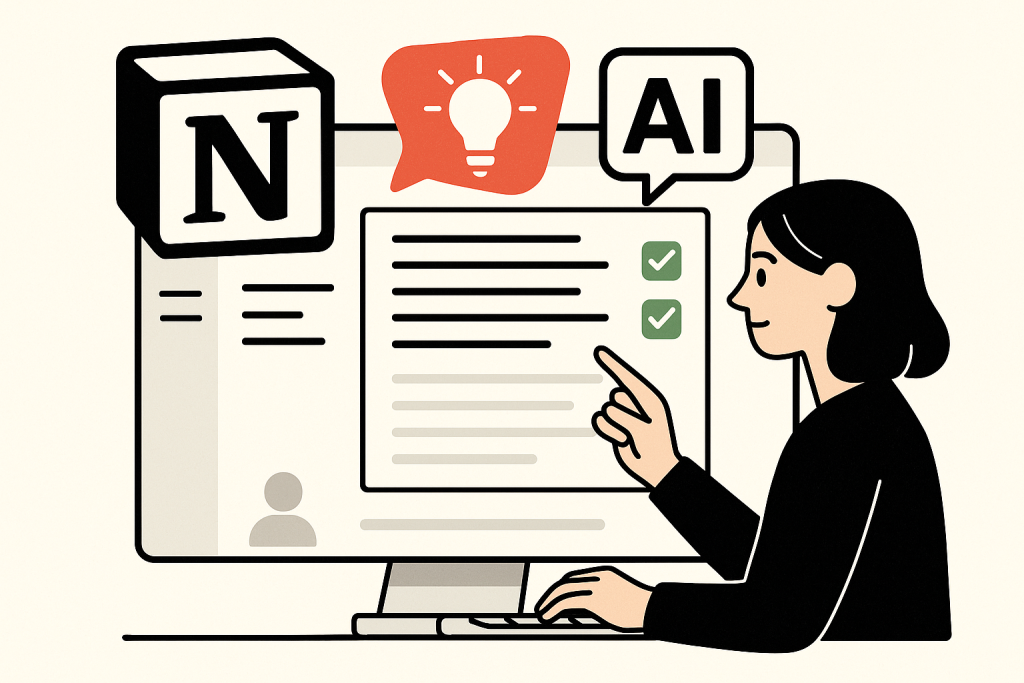
Make AI uses advanced machine learning algorithms to analyze text and generate suggestions that can help users organize information, write texts, or plan projects. Its capabilities include:
- Generating text based on given instructions.
- Automatically summarizing long documents.
- Creating ideas and brainstorming.
- Organizing and categorizing information.
Practical scenarios for using Make AI in a team

1. Creating documentation
One of the most common scenarios for using Make AI is creating and maintaining team documentation. Teams can use AI to automatically generate drafts for various documents, such as project plans, meeting notes, or technical specifications. This saves time and increases documentation consistency.
2. Brainstorming and idea generation
Make AI can be a great assistant during brainstorming sessions. The team can enter keywords or topics, and the AI will suggest various ideas that can be further developed. This can speed up the process of generating new ideas and support creativity within the team.
3. Project planning
Another practical scenario is project planning. Make AI can help with creating timelines, dividing tasks, and tracking progress. The team can easily update project statuses, and the AI can automatically generate progress reports, making project tracking and management easier.
4. Automating routine tasks
Make AI can also help automate routine tasks such as organizing emails, managing calendars, or tracking deadlines. In this way, team members can save time and focus on more important tasks.
Limitations of Make AI

Despite its many advantages, Make AI also has its limitations. It is important to realize that artificial intelligence is not perfect and may have difficulty understanding context or specific requirements. The main limitations include:
- Limited ability to understand complex or ambiguous requirements.
- The possibility of generating inaccurate or irrelevant information.
- Dependence on the quality of input data – poorly formulated requests can lead to unsatisfactory results.
FAQ
What are the main benefits of using Make AI in a team?
The main benefits include time savings, improved work organization, support for creativity, and automation of routine tasks.
Is Make AI suitable for all types of teams?
Make AI can be useful for various types of teams, especially those working on projects that require collaboration and information organization. However, teams with very specific needs may encounter AI limitations.
How can I start using Make AI?
To get started, you need to have a Make account. Then you can activate the Make AI feature and start using it while working on your projects.
Conclusion
Make AI represents an innovative tool for team collaboration that can significantly simplify and streamline work. Although it has its limitations, its benefits in terms of time savings and improved work organization are considerable. Teams that decide to use Make AI can expect their work processes to become more efficient and productive.
Sources of illustrative images
- Stock photo: source
- Stock photo: source
- Stock photo: source
- Stock photo: source
- Stock photo: source
- Stock photo: source
- Stock photo: source
- Stock photo: source
- Stock photo: source
- Stock photo: source
- Stock photo: source
- Stock photo: source
- Stock photo: source
- Stock photo: source
The custom illustrative image was created using the OpenAI Images API.
| Service | Service description | Offer |
|---|---|---|
| NordVPN | VPN service for privacy protection and secure connections. | Open offer |
| Semrush | SEO and marketing platform for analysis and traffic growth. | Open offer |
| Make | Advanced visual automation for workflows and integrations. | Open offer |
| Hostinger | Web hosting and domains for fast website launch. | Open offer |
| Fiverr | Marketplace for freelancers and external specialists. | Open offer |
| Adobe | Creative tools for graphics, video, and digital content. | Open offer |
| Canva | Online design tool for graphics, presentations, and social media. | Open offer |
| Jasper | AI tool for marketing copy and content campaigns. | Open offer |
Note: We use affiliate links for listed services. If you purchase through them, we may earn a commission at no extra cost to you.