How to set up Canva AI for quick creation of branded materials
In today’s digital age, it is important to have a strong and consistent brand. Canva, as one of the most popular graphic design tools, offers artificial intelligence features that can significantly simplify and speed up the process of creating brand materials. In this article, we will look at how to properly set up Canva AI and use it for the fast and effective creation of designs that match your brand needs.
Introduction to Canva AI

Canva AI is an innovative feature that allows users to generate designs based on specified parameters. This technology uses machine learning to analyze user preferences and design trends, making it easier to create visual content. For brands that want to respond quickly to market changes, it is an ideal tool.
Setting Up Canva AI

1. Creating an account and signing in
The first step is to create an account on the Canva platform. After registering, sign in and go to the main page.
2. Choosing the right plan
Canva offers various plans, including free and paid options. To make full use of AI features, we recommend choosing a paid plan, which provides more options and tools.
3. Setting up brand elements
In the “Brand Kit” section, you can set up your brand’s colors, fonts, and logos. These elements will be automatically used when generating designs with AI, ensuring consistency and recognizability for your brand.
Practical Canva AI Use Cases
1. Creating marketing materials
Canva AI can quickly generate designs for flyers, posters, and social media. Just enter keywords, and the AI will offer you various templates that you can further customize according to your needs.
2. Creating presentations
If you need a presentation for a business meeting or training session, Canva AI can suggest a structure and design that match your brand. You can choose from various styles and themes.
3. Preparing content for social media
Canva AI makes it easier to create content for social media. You can quickly generate posts that are visually attractive and aligned with your brand. Just enter a topic, and the AI will create suggestions that you can further customize.
Limitations of Canva AI
Although Canva AI is a powerful tool, it has its limitations. For example:
- Limited creativity: AI generates designs based on existing data, which may result in some designs being less original.
- Need for human input: Although AI can speed up the process, it is important for a person to review and, if necessary, adjust the designs to ensure quality and relevance.
- Technical issues: Like any software, Canva may occasionally face technical problems that can affect your work.
Frequently Asked Questions (FAQ)
1. How can I start using Canva AI?
Start by creating an account on Canva, then set up your brand elements and begin experimenting with generating designs using AI.
2. Is Canva AI free?
Canva offers a free version, but to make full use of AI features, we recommend choosing a paid plan.
3. Can AI replace a human designer?
AI is a great assistant, but it cannot fully replace human creativity and intuition. It is important that designs are always reviewed by a person.
Conclusion
Canva AI is a powerful tool that can significantly simplify and speed up the process of creating brand materials. By properly setting up and using this technology, you can achieve a consistent and professional look for your marketing materials. Although it has its limitations, the right combination of human creativity and AI can deliver excellent results. Don’t forget to experiment and adapt the designs so that they best match your needs and your brand’s style.
Sources of illustrative images
- Stock photo: source
- Stock photo: source
- Stock photo: source
- Stock photo: source
- Stock photo: source
- Stock photo: source
- Stock photo: source
- Stock photo: source
- Stock photo: source
The custom illustrative image was created using the OpenAI Images API.
| Service | Service description | Offer |
|---|---|---|
| NordVPN | VPN service for privacy protection and secure connections. | Open offer |
| Semrush | SEO and marketing platform for analysis and traffic growth. | Open offer |
| Make | Advanced visual automation for workflows and integrations. | Open offer |
| Hostinger | Web hosting and domains for fast website launch. | Open offer |
| Fiverr | Marketplace for freelancers and external specialists. | Open offer |
| Adobe | Creative tools for graphics, video, and digital content. | Open offer |
| Canva | Online design tool for graphics, presentations, and social media. | Open offer |
| Jasper | AI tool for marketing copy and content campaigns. | Open offer |
Note: We use affiliate links for listed services. If you purchase through them, we may earn a commission at no extra cost to you.
Doporučení ke čtení
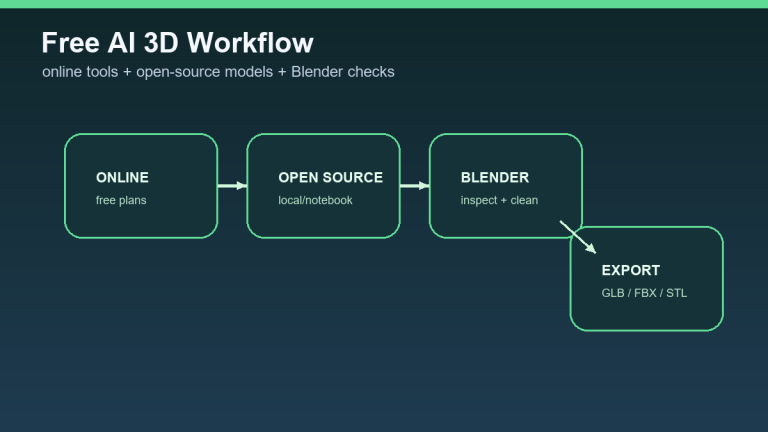
How to generate 3D models for free: AI tools, open-source models, and a practical workflow

AI for salespeople: an assistant for preparing a discovery call and proposal draft

Price Comparison of AI Voice Tools for Czech: Dubbing, Voiceover, and Support Bot