How to connect AI tools into one workflow without programming
Introduction

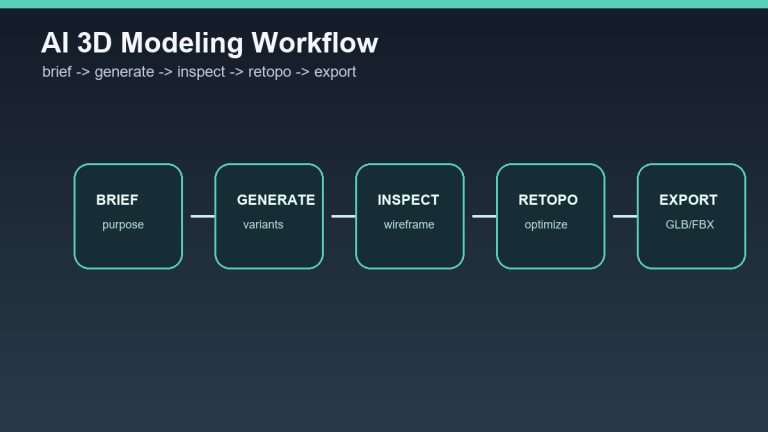
In recent years, artificial intelligence (AI) has become an integral part of many work processes. Whether it is automating routine tasks, data analysis, or content generation, AI tools offer a wide range of possibilities. However, connecting these tools into one efficient workflow can be a challenge, especially for those without a technical background. In this article, we will look at ways to connect AI tools without the need for programming.
Why connect AI tools?
Connecting AI tools into a single workflow brings a number of advantages:
- Efficiency: Task automation saves time and increases productivity.
- Data integration: It enables easy data transfer between different applications.
- Flexibility: Users can easily adapt the workflow to their needs.
How to do it?
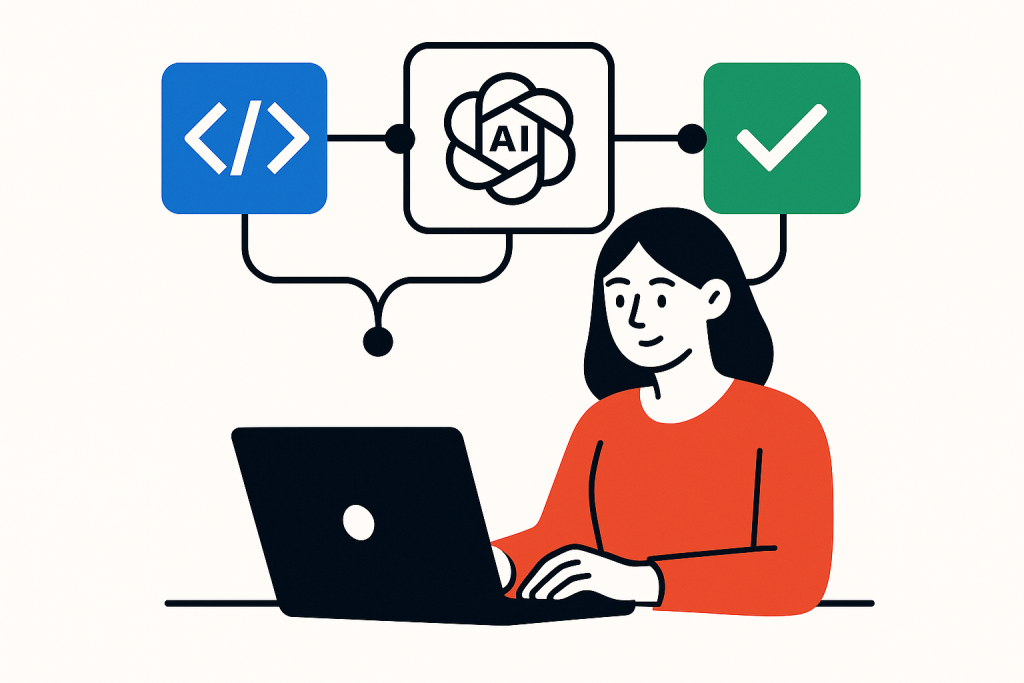
There are several tools and platforms that make it possible to connect AI tools without the need for programming. The most popular include:
1. Zapier
Zapier is a platform that enables workflow automation between different applications. Users can create "Zaps" that connect various AI tools and applications without having to write code.
2. Integromat (Make)
Integromat, now known as Make, offers similar features to Zapier, but with greater flexibility and customization options. Users can create more complex scenarios and integrations.
3. Microsoft Power Automate
Microsoft Power Automate is another powerful automation tool that allows users to create workflows between Microsoft applications and third-party services.
Practical scenarios
Let's look at several practical scenarios for how AI tools can be connected into a workflow without programming:
Scenario 1: Email marketing automation
Imagine that you want to automate your email marketing. You can use an AI tool for content generation, such as OpenAI, and connect it with an email marketing platform such as Mailchimp using Zapier. You create a Zap that automatically generates email content based on specified parameters and then sends it to a subscriber list.
Scenario 2: Customer feedback analysis
Another example could be customer feedback analysis. You can use an AI tool for sentiment analysis, such as MonkeyLearn, and connect it with Google Sheets. Using Integromat, you set up a scenario that automatically analyzes new reviews and stores the results in a spreadsheet for further analysis.
Scenario 3: Social media management
If you manage social media, you can use an AI tool for post generation and schedule posts using Hootsuite. Using Power Automate, you can set up a workflow that automatically generates posts based on trending topics and schedules them for a specific time.
Limits of connecting AI tools

Although connecting AI tools without programming is very useful, it has its limits:
- Limited customization options: Some platforms may have limited customization options, which can restrict user creativity.
- Dependence on third parties: Users depend on the availability and functionality of third parties, which can affect workflow stability.
- Security concerns: Connecting different tools may raise concerns about data security and privacy protection.
FAQ
1. Is it necessary to have technical knowledge to connect AI tools?
No, most automation platforms are designed to be user-friendly and do not require technical knowledge.
2. Which AI tools can I connect?
There are many AI tools that can be connected, including tools for content generation, data analysis, social media management, and more.
3. How can I ensure data security when connecting tools?
It is important to use trustworthy platforms and regularly check privacy settings and data security measures.
Conclusion
Connecting AI tools into a single workflow without programming is possible and brings many benefits. With the help of available platforms such as Zapier, Integromat and Microsoft Power Automate, users can effectively automate their work processes and increase productivity. Although there are certain limitations, the right setup and approach to these tools can significantly make work easier and open up new possibilities for using artificial intelligence in everyday life.
The custom illustrative image was created using the OpenAI Images API.
Sources of illustrative images
The custom illustrative image was created using OpenAI Images API.
| Service | Service description | Offer |
|---|---|---|
| NordVPN | VPN service for privacy protection and secure connections. | Open offer |
| Semrush | SEO and marketing platform for analysis and traffic growth. | Open offer |
| Make | Advanced visual automation for workflows and integrations. | Open offer |
| Hostinger | Web hosting and domains for fast website launch. | Open offer |
| Fiverr | Marketplace for freelancers and external specialists. | Open offer |
| Adobe | Creative tools for graphics, video, and digital content. | Open offer |
| Canva | Online design tool for graphics, presentations, and social media. | Open offer |
| Jasper | AI tool for marketing copy and content campaigns. | Open offer |
Note: We use affiliate links for listed services. If you purchase through them, we may earn a commission at no extra cost to you.