Descript Underlord review 2026: AI video editor for podcasts and clips
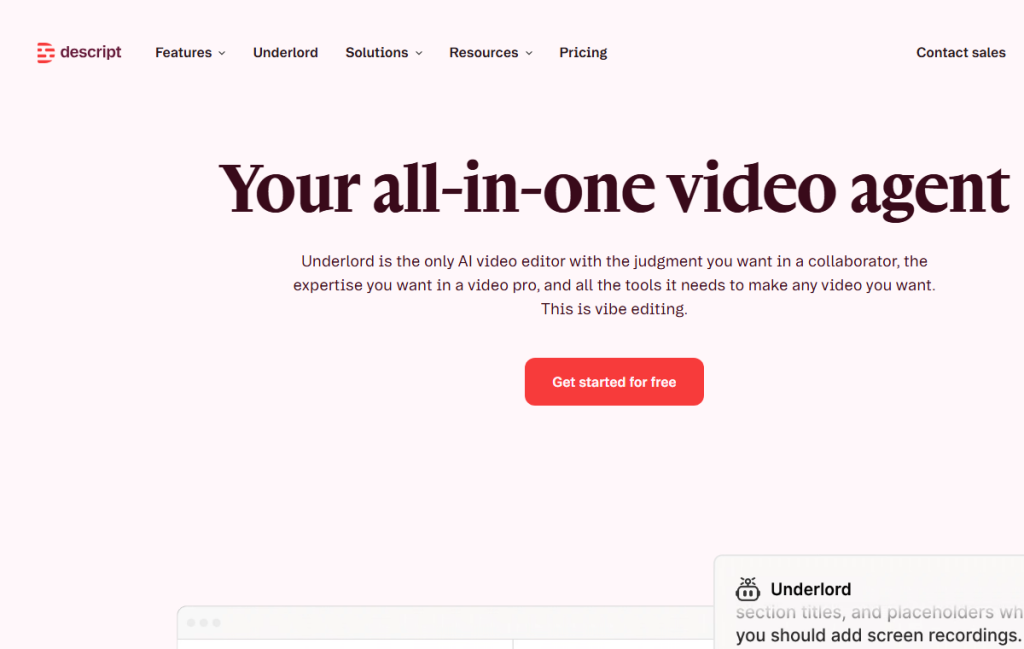
Descript Underlord is an AI co-editor inside Descript. The official page describes a video agent that understands Descript tools, suggests edits, works with scripts and video, creates clips, show notes and handles repetitive editing tasks. In practice, the key is separating speed from editorial judgment.
Quick verdict for a small team
Underlord makes sense for teams that already produce video or audio regularly and need to shorten repetitive production work. It is not an automatic director or a guarantee of strong content. Its strength is the work an editor repeats for every episode.
- Strong for clips, show notes, cleanup and edit suggestions.
- Weaker around sensitive tone, brand messaging and exact legal wording.
- Best for repeated formats with a clear style and checklist.
What the official source shows
The official Descript Underlord page says it can read scripts, watch video, suggest next steps and perform many edits at once. Descript also shows broader features: video editing, podcasting, screen recording, captions, AI speech, filler-word removal, retake removal and Studio Sound.
- Create Clips is useful for social cuts from longer material.
- Show notes and YouTube descriptions close the production loop.
- Studio Sound and cleanup features save time on repeated recording.
Where it makes sense in practice
I would use Underlord for podcasts, webinars, product demos or internal training. A typical case: import a long interview, ask for short clips and show notes, then manually choose the parts that truly carry the point.
- Define the target channel: YouTube, LinkedIn, newsletter or internal LMS.
- Give AI the desired clip length, tone and sections to avoid.
- Make the final selection by message quality, not only by AI energy scoring.
Recommended workflow
The best workflow keeps Underlord in the assistant editor role. With clear tasks it can save hours; with vague tasks it creates more review work.
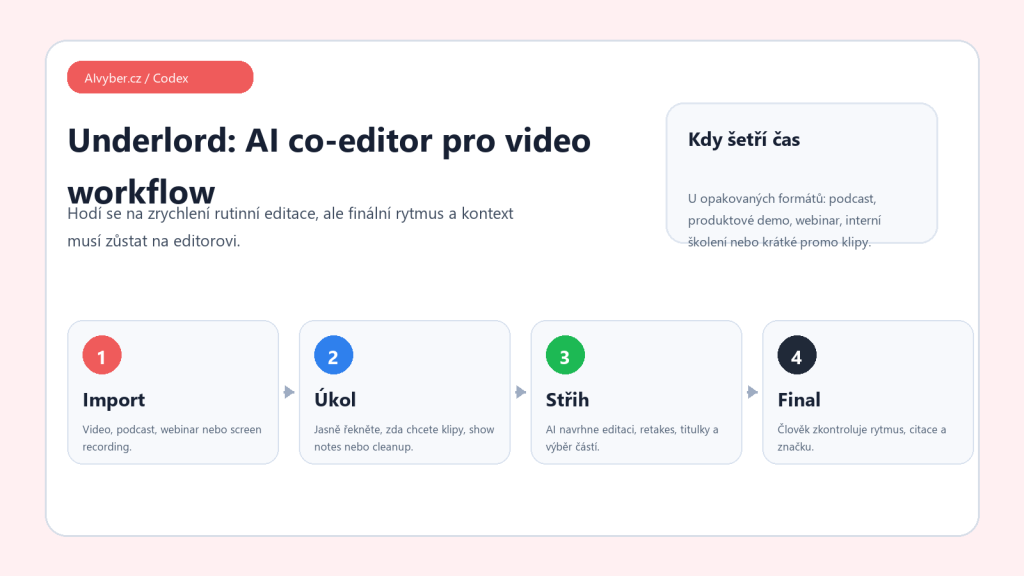
- Import the material and check the transcript.
- Write the task: clips, show notes, retake removal, captions or trailer.
- Let AI suggest edits and create a working version.
- Check quotes, context, sentence flow and cut rhythm.
- Export only after checking title, description, captions and brand elements.
Limits and quality checks
An AI editor may not know which part of an interview matters strategically. It may choose an energetic moment while missing legal sensitivity, internal information or preceding context. For customer-facing video, manual review is mandatory.
- Check captions, names, numbers and product claims.
- Do not let AI decide alone on sensitive or controversial sections.
- For avatars and voices, handle consent, authenticity and AI labeling.
Who should consider it
Descript Underlord is useful for teams producing regular content with a clear format. If a video is rare and reputation-critical, you still need an experienced editor. Underlord accelerates production; it does not replace judgment.
Recommended AI stack for implementation
| Service | Service description | Offer |
|---|---|---|
| NordVPN | VPN service for privacy protection and secure connections. | Open offer |
| Semrush | SEO and marketing platform for analysis and traffic growth. | Open offer |
| Notion | Workspace for notes, documentation, and project management. | Open offer |
| Hostinger | Web hosting and domains for fast website launch. | Open offer |
| Canva | Online design tool for graphics, presentations, and social media. | Open offer |
| Adobe | Creative tools for graphics, video, and digital content. | Open offer |
| Fiverr | Marketplace for freelancers and external specialists. | Open offer |
Note: We use affiliate links for listed services. If you purchase through them, we may earn a commission at no extra cost to you.
Practical workflow for a podcast or short clip
Descript is fastest when you edit from the transcript first and tune the visuals afterward. For a podcast, record clean audio, generate the transcript, and mark the parts that should remain. Only then use AI features for shortening pauses, removing filler words, suggesting clips, or generating captions. If you start with effects, you risk polishing the wrong content structure.
- For long-form video, create chapters first and generate short clips afterward.
- With automatic edits, always check that the context of the question or answer was not removed.
- For captions and translation, manually verify names, product names, and technical terms.
Treat Underlord as a co-editor for routine decisions, not as a replacement for the final edit. The biggest time saving is the first pass, where a long recording is reduced to usable segments.
Useful links: Descript Underlord help, Descript product page.